LESS ADMIN. MORE ROOM TO BUILD.

Your company.
One conversation.

The email. The projects. The things you said you’d do. A company assistant that helps you bring it all together.

Simple chat. Your AWS account. You stay in control.

A calmer place to work YOUR WORKSPACE
Dunnart / ChatPrivate workspace
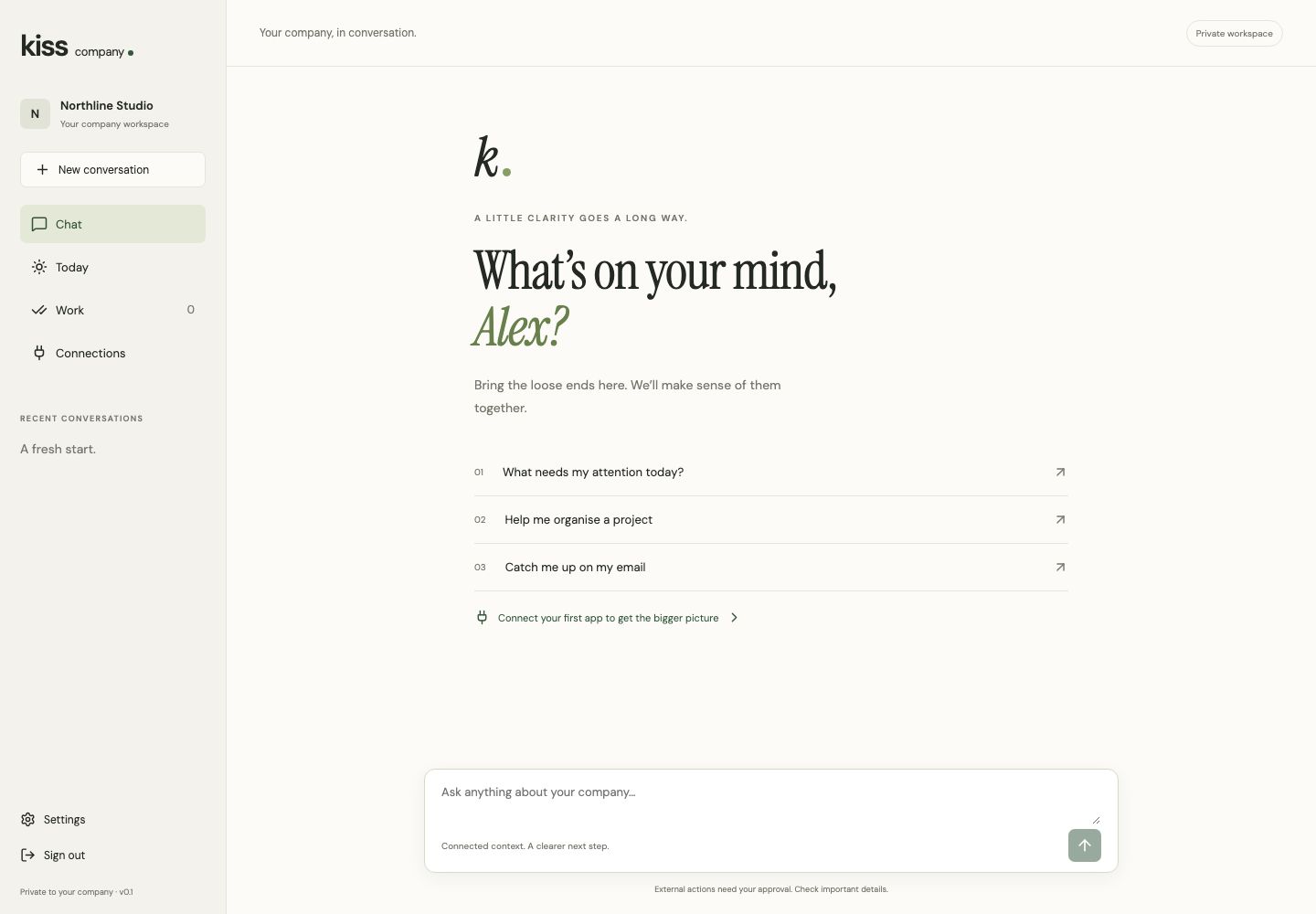
Actual Dunnart chat with a personal welcome and suggested starting points.
Actual product · Demonstration company
START WITH A QUESTION

“What needs my attention today?”

Keep your tools.
Lose the constant switching.

GmailOutlookCalendarAsanaLinear
And more ↗

A LITTLE LESS TO MANAGE.

You didn’t start a company to spend your day keeping up.

Dunnart gives your scattered work a place to come together. Ask a question, work through the answer and decide what happens next.

YOUR COMPANY ASSISTANT

Find the signal.

Bring the context from your connected apps into the conversation. Ask what needs your attention, without spending your morning opening tabs.

“Help me get ready for today.”
Example prompt. Your connected data supplies the context.
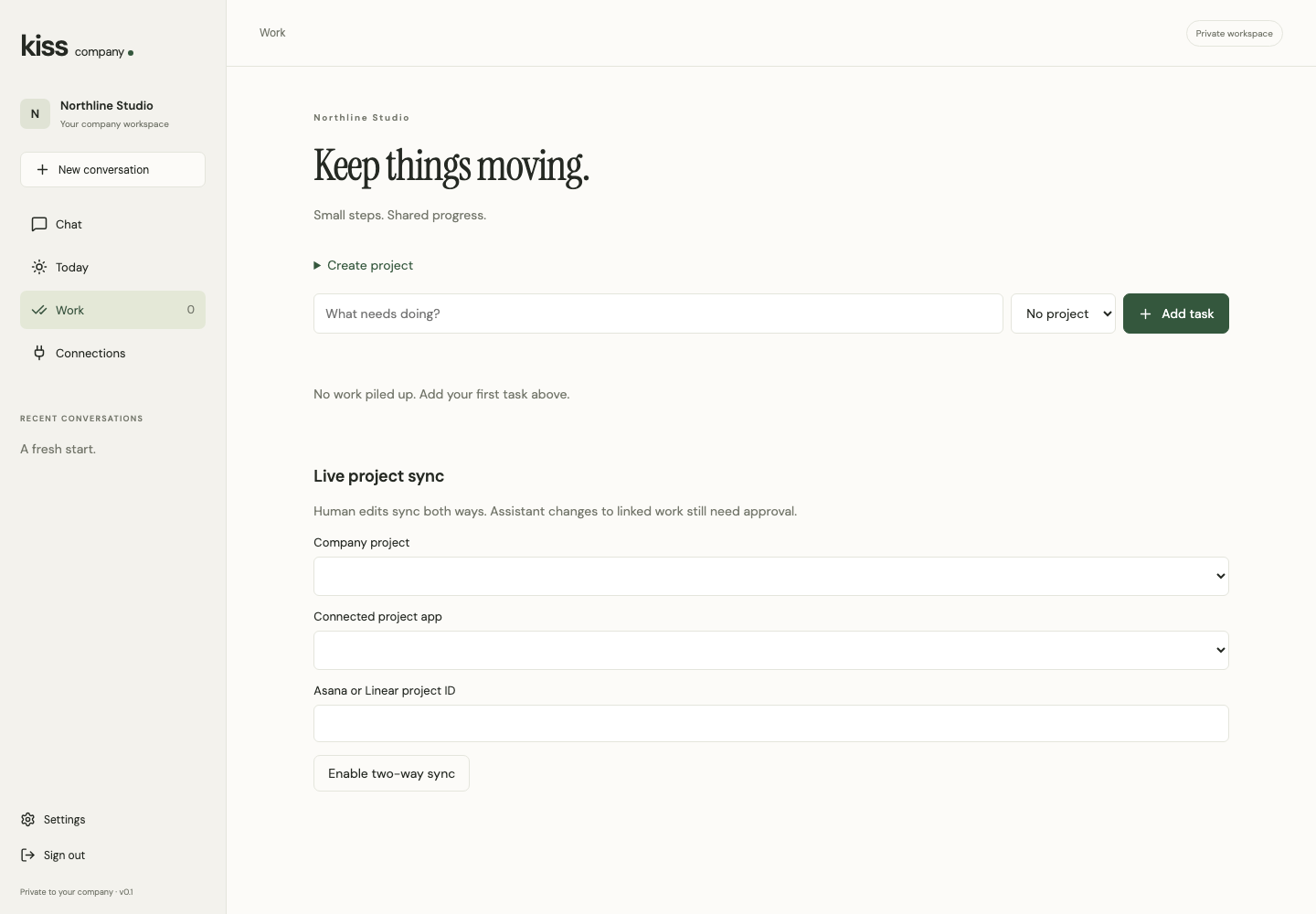
Actual Dunnart chat with shortcuts to company work, projects and email.
Actual product, using a demonstration company.
THE TOOLS YOU ALREADY USE
EmailCalendarProjects
DunnartYour company assistant

Less switching. More context.

CONNECTED, WITHOUT THE COMPLICATION.

Your tools.
Working together.

Choose an app. Approve access. Get back to work. Composio handles the connection, with an isolated project prepared for your company.

No API keys to figure out

Personal connections stay personal. Sharing company work is an explicit choice.

SIMPLE DOESN’T MEAN GIVING UP CONTROL.

A small interface.
A clear boundary.

The workspace runs in your AWS account. Your company data stays under your control, with connected services processing what’s needed for your requests.

See exactly how it works
01

Your inbox is yours.

Personal conversations, connections and saved learning belong to the signed-in person.

02

You have the final say.

Review proposed connected-app actions before anything is sent or changed.

03

Clear ownership.

Yuma checks your software subscription. Your workspace and database run in your AWS account.

LET’S KEEP GETTING STARTED SIMPLE, TOO.

One approval.
A little more headspace.

No terminal. No domain setup. No customer API keys.

  1. 01

    Subscribe.

    Choose your company workspace licence through AWS Marketplace.

  2. 02

    Launch.

    Approve setup in AWS. We prepare your private workspace and show you the progress.

  3. 03

    Make it yours.

    Create your account, connect Gmail or Outlook and ask your first question.

PRIVATE PILOT

We’re getting the first companies ready.
Follow launch progress and see what’s included.

Explore the private pilot

Buyer launch validation is still in progress. AWS infrastructure and AI usage are billed separately from your Marketplace licence.

BEFORE YOU MAKE ROOM.

A few useful details.

Do I need to be technical?

The default flow is guided: subscribe, approve setup in AWS, then open your workspace. You need an AWS account with permission to approve the deployment. Command-line setup is an advanced option.

What does the licence include?

The licence covers Dunnart software. AWS infrastructure and model usage are billed to your AWS account. Managed connection allowances and pilot pricing are specified in your offer.

Does it improve over time?

You can review and accept useful corrections and procedures for future conversations. This is controlled company memory, not automatic model retraining. Improvement is something to evaluate, not a result we promise in advance.

What happens if I cancel?

New licensed work stops when the current short-lived lease expires. Your data remains in your AWS account. Infrastructure continues to incur charges until you remove it.